







A simple way to keep every baby shower memory together
Make it easy for guests to share photos from games, gifts, family moments, and candid celebrations in one organized place.
Unlimited Guests, Photos & Videos
“Everyone could add their favorite shower photos.”
One QR code tocollect them all.
Every guestbecomes a photographer

Relive your event,next day.
No app, no sign up,for your guests.
One QR code tocollect them all.
Every guestbecomes a photographer
Relive your event,next day.
No app, no sign up,for your guests.

“We printed out business cards with our GuestSnap QR code and gave them to our guests. It was easy for our guests to use GuestSnap and most of them uploaded their content the next day. It was great seeing the GuestSnap pictures while we waited several weeks for our professional photos. We highly recommend GuestSnap for weddings and parties!”
Made for every shower moment
Collect memories from gift openings, games, family photos, and dessert table details.
Works for every guest
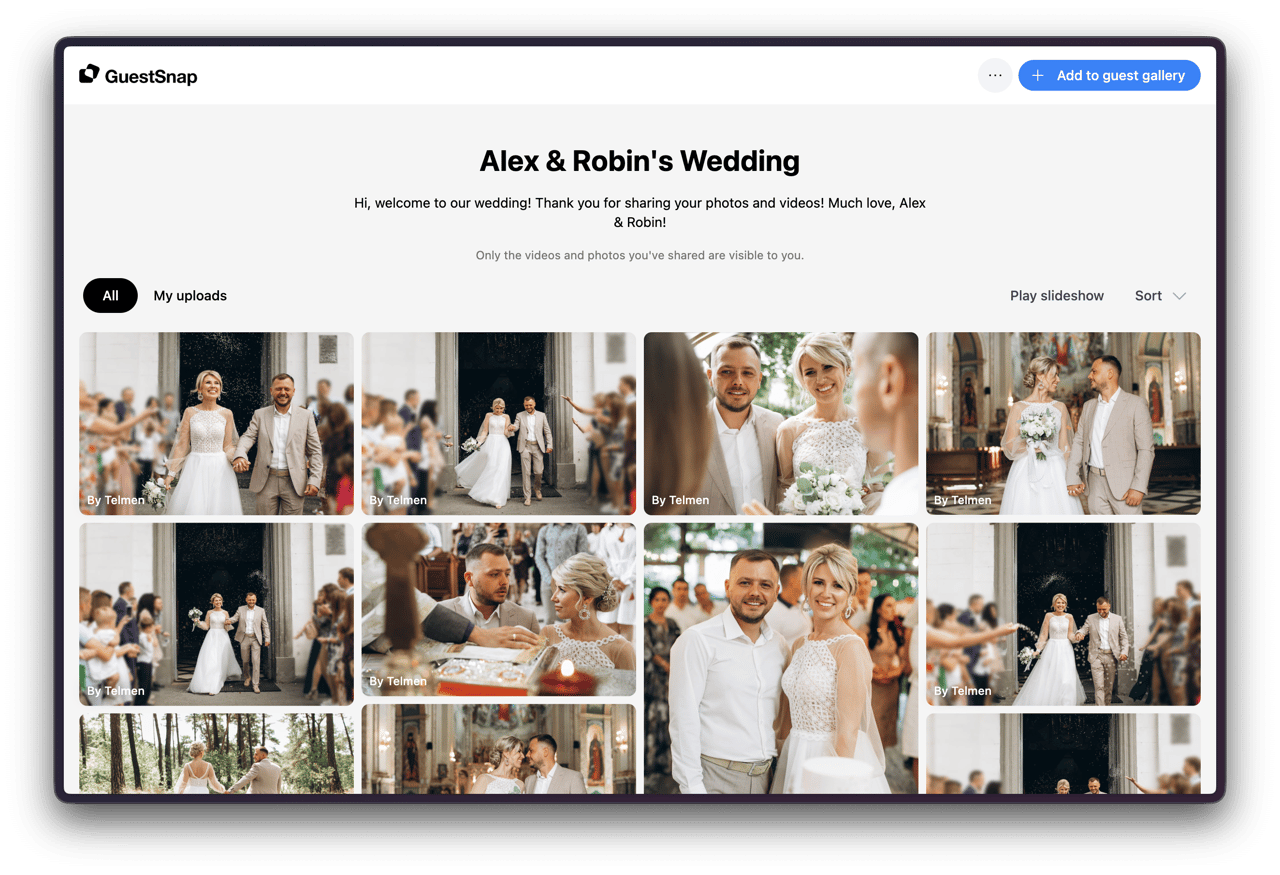
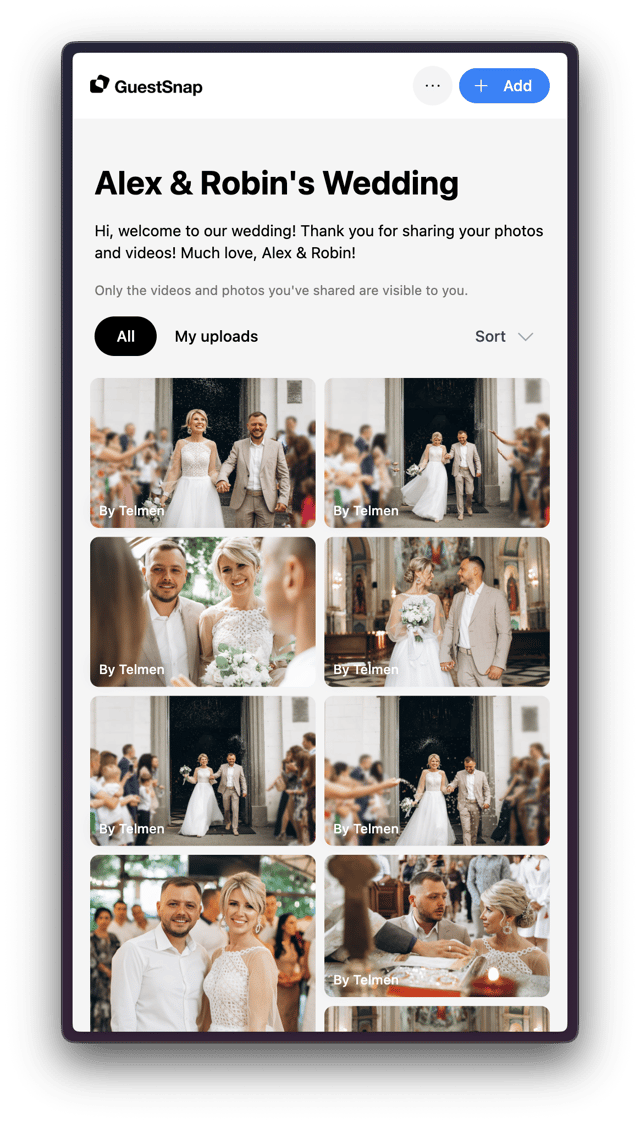
How baby shower photo sharing works
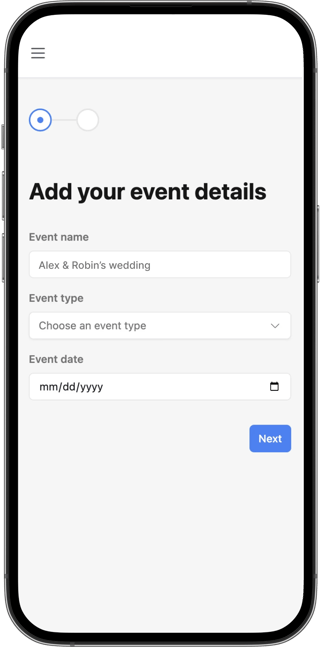
Setup in just 2 minutes
After purchasing a GuestSnap package, set up your event in just 2 steps by adding details such as the date, name and welcome message.
Use one of our beautiful card templates
Select a Canva template that works best for your event, or create your own. Place your unique private QR code.
Check out our free Canva templates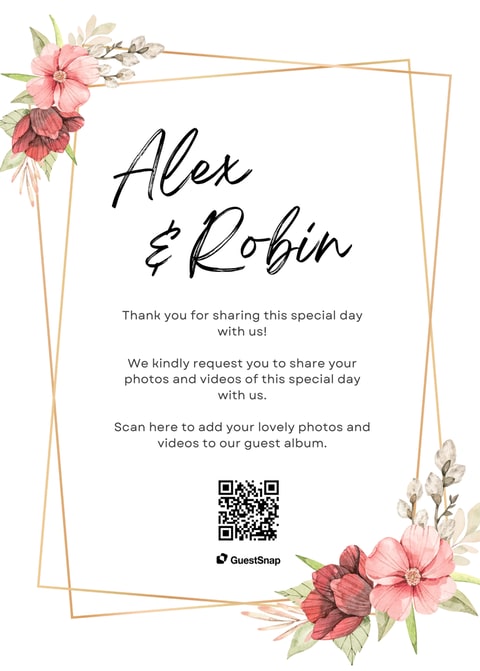
Guests scan and upload, no sign up or app required
Your guests can share their photos and videos to your digital album effortlessly, with no sign up or app needed.
- Share a link through SMS, chat apps, email, and more.
- Guests can upload up to 12 months after the event.
- Guests can email the link to themselves.
- Private album with host-controlled guest viewing.
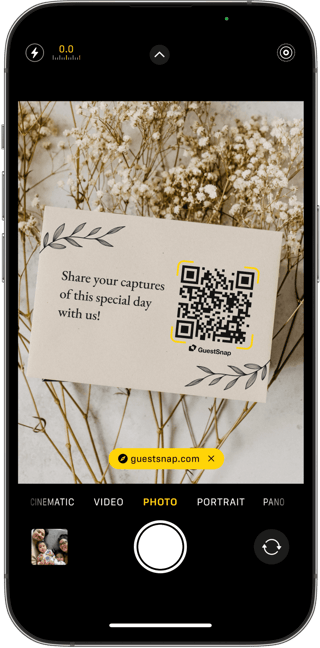
Relive your event the day after
No need to wait for a photographer to finish editing. View photos and videos after guests upload them, on any device.
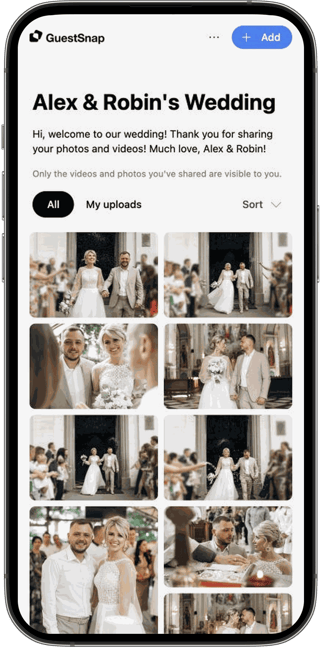
Host-friendly placement ideas
Place the QR code where guests already gather
Baby showers have natural photo moments. Put the album link near the places guests stop, talk, and take pictures.
Gift table cards for opening photos and family candids.
Game table reminders so guests share funny moments.
Dessert table signage for decor and detail photos.
Simple Pricing
100% money-back guarantee if you decide not to use GuestSnap. We’ll issue a refund under our refund policy.
Unlimited*
Works for any event
$45
Per event
- Private QR Code & link
- Unlimited guests
- Unlimited photos
- Unlimited videos
- Live playable slideshow
- Original high-quality uploads
- Editable Canva templates
- 18 months storage
- Download full album
- Guests can upload for 12 months post-event
*Unlimited uploads are subject to reasonable fair use.
Everything your event needs, already included
No extra app, no guest-count math, no separate slideshow tool, and no chasing files across group chats.
A link guests can actually use
Guests scan the QR code or open the link and upload in their browser, without installing an app or creating an account.
Room for every perspective
One event supports unlimited guests, photos, and videos, subject to reasonable fair use.
Originals stay together
Keep the gallery for 18 months and download the original uploaded files together in the full-album package.
The event toolkit is built in
Editable QR templates, a live photo slideshow, and host-controlled guest viewing are included in the plan.
Built for easy family photo sharing
Guests can contribute from their own phones while the album stays organized for the host.
Baby shower photo sharing questions
Here are the questions hosts usually ask before putting the QR code on shower signage or invitations.
Advice for shower hosts
Browse GuestSnap articles on QR code placement, event templates, and collecting guest photos.

How to Collect Photos From Guests at an Anniversary Party
Plan one anniversary album for guests across generations, including earlier photos of the couple, whether you are hosting for them or celebrating yourselves.

A Baby Shower Photo QR Code: Setup, Sign Wording, and Reminders
Plan one baby shower photo album, choose clear sign wording, respect the family’s sharing preferences, and follow up with a link guests can use.
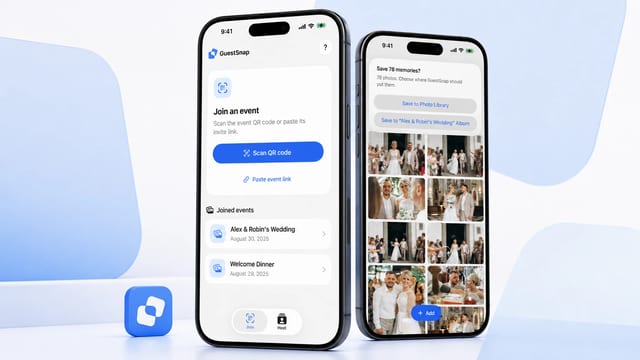
A First Look at GuestSnap for iPhone and iPad
Meet GuestSnap for iPhone and iPad: return to joined events, save individual photos and videos, and move a gallery to Photos when downloads are enabled.

How to Choose an Event Photo-Sharing Platform
Use a practical checklist to compare event photo-sharing platforms, shared albums, file requests, cloud folders, and group chats before choosing one collection path.
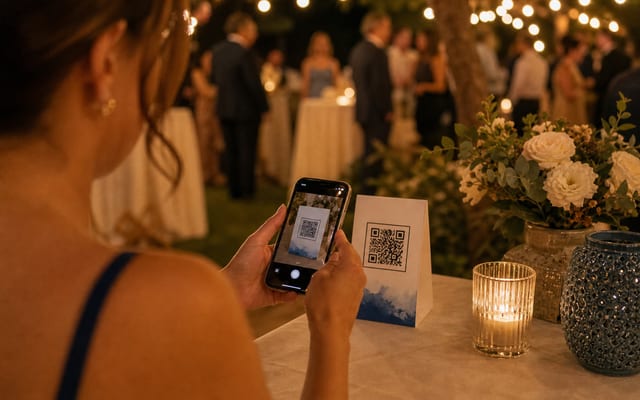
The Rise of QR Codes at Events: Simple, Secure, Engaging
Those black-and-white squares are everywhere for a reason. At events, QR codes act as digital keys on every guest’s phone. One scan replaces paper tickets, opens schedules, or…

How to Plan Event Photo Sharing Before, During, and After
A practical timeline for choosing one upload path, testing signs and links, supporting guests on the day, and saving the finished event album.