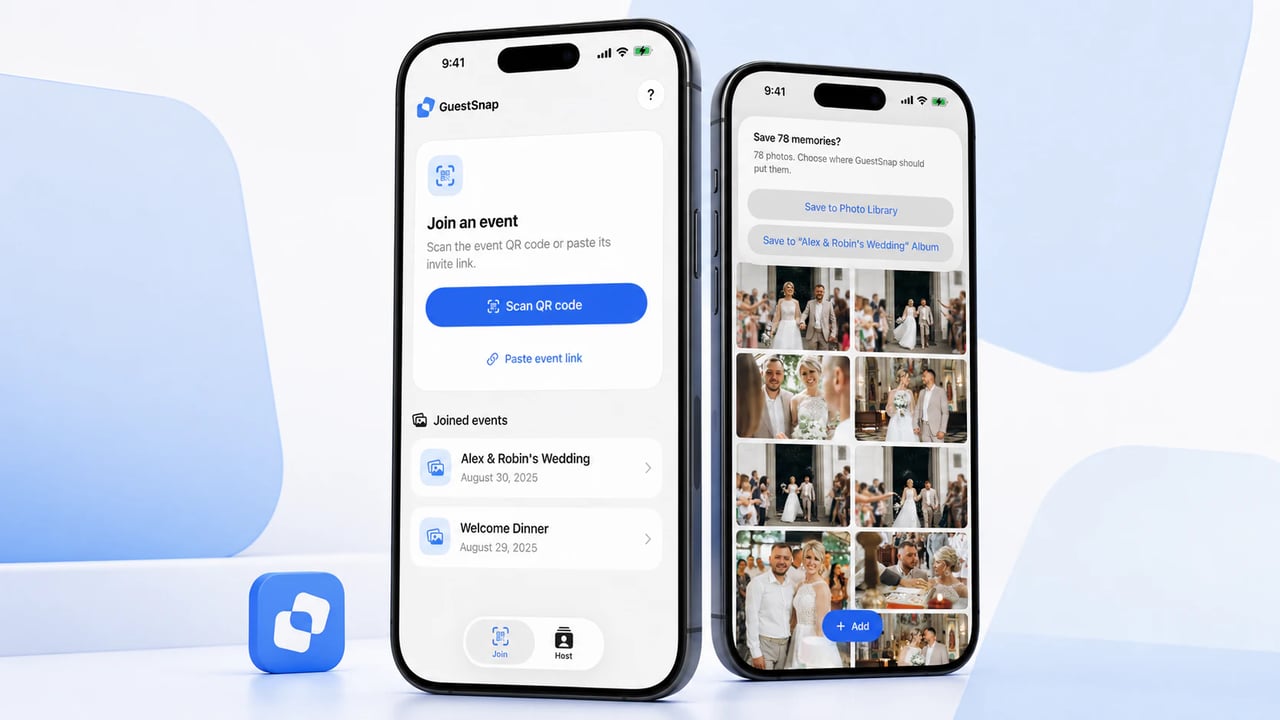
We’re bringing GuestSnap to iPhone and iPad. The optional companion app keeps the events you join in one place and gives you a direct path from each gallery to Apple Photos.
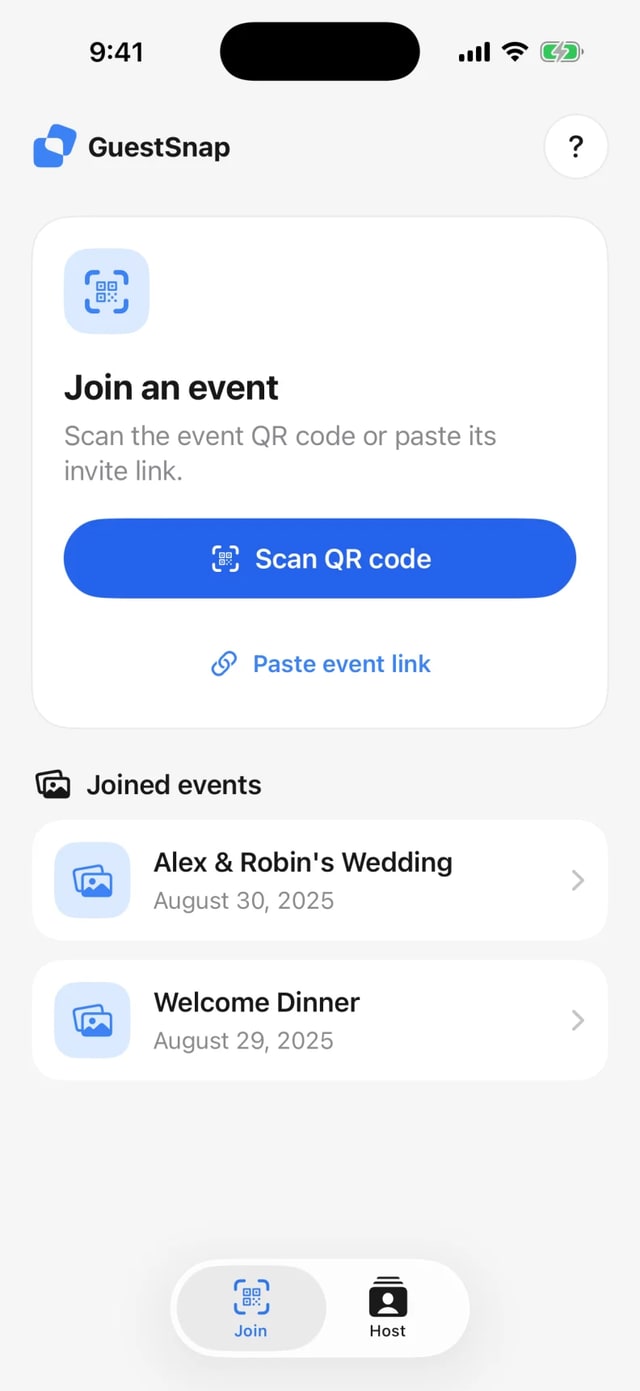
Your recent events, easy to find again
Scan a GuestSnap QR code or open an invitation once, and the app remembers that event on your device. The next time you want to look through the gallery or add a few photos, it’s waiting on the home screen. No digging through old texts, emails, or browser tabs.
If you host events with GuestSnap, sign in to see and open the events you’re hosting from the same place.
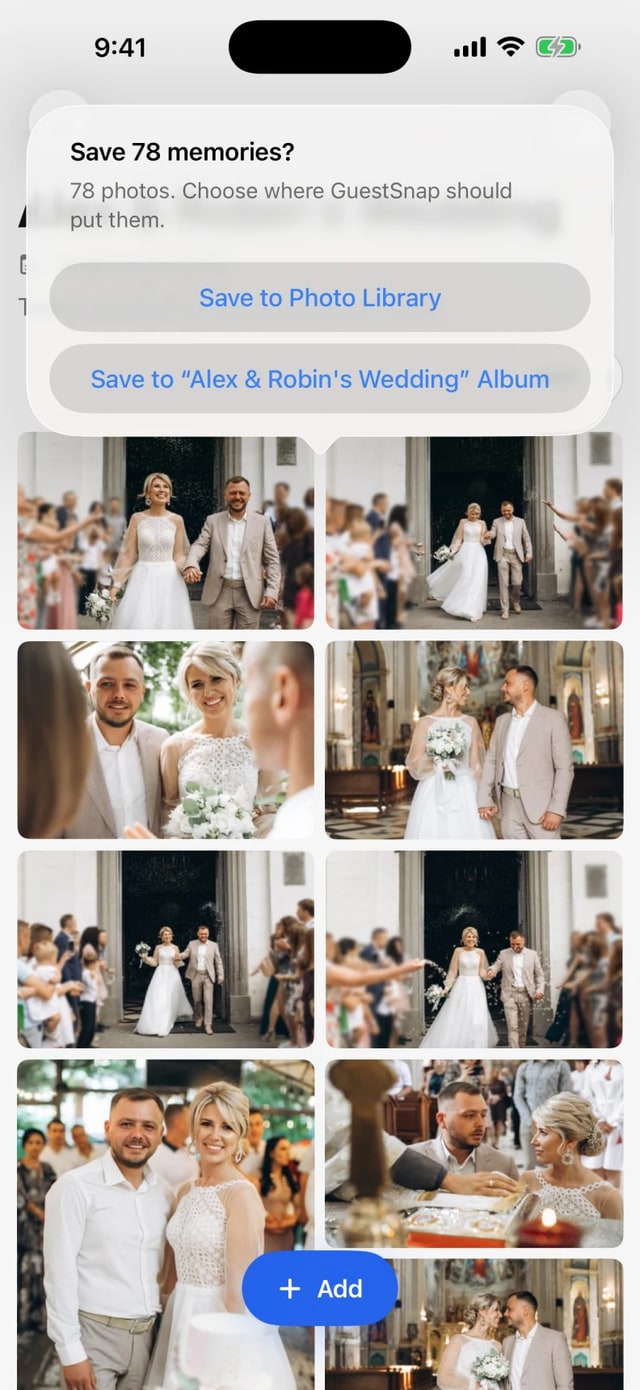
From GuestSnap to Photos
Inside a gallery, you can save any available photo or video individually. When the host has enabled full-gallery downloads, you can save the whole collection to your Photo Library—or organize it in an album named for the event. GuestSnap handles both photos and videos and shows progress as they move over.
That puts the event’s photos where you already edit, favorite, and share the rest of your memories. No ZIP file to unpack. No second library to remember.
Coming soon
GuestSnap for iPhone and iPad is coming soon. We’re finishing the details now, and we’ll update this post with the App Store link when it’s ready.